> For the complete documentation index, see [llms.txt](https://docs.safeswap.io/llms.txt). Markdown versions of documentation pages are available by appending `.md` to page URLs; this page is available as [Markdown](https://docs.safeswap.io/learn/safenodes.md).
# SafeNodes
Owners of a SafeNode are given a share of all SafeSwap Fees.
## Earning SafeSwap Rewards with Your SafeNode
A big part of SafeSwap’s reward system is centered around benefiting our community and in particular the SafeNode owners.
This means that the SafeNode Rewards Pool will be fully dedicated to a continuous SHA Buyback Program and thus will be used to market buy SHA off exchanges. Every swap being made on SafeSwap will indirectly cause demand for SHA tokens to go up since a part of the SafeSwap platform fee will be used to buy SHA.
The same goes for every project being listed on SafeSwap. They pay a project listing fee and 30% of the first $10,000 of a project’s listing fee will be added to the SafeNode Rewards Pool as well.
To be precise: 45% of the SafeSwap platform fee will be sent to the SafeNode Rewards Pool.
[Learn more about the SafeNode Program](https://safehaven.io/sha/safe-nodes/)
All SHA tokens that are market bought with the SafeNode Rewards Pool will then be distributed to SafeNode owners. Distribution of SHA tokens will, as always, be based on node tiers and how many nodes that are active in that particular tier.
## Setup a SafeNode with The SafeNode Mobile App
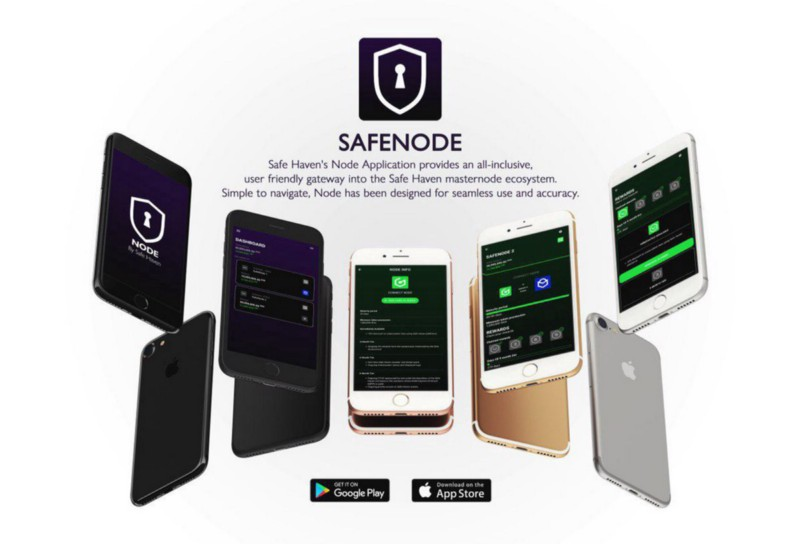
To setup a SafeNode, please download our **SafeNode** app and link the **keystore of your wallet**.
[Click here for a walkthrough](https://safehaven.io/safenode-tutorial-how-link-your-wallet-and-bind-your-node/)
{% embed url="" %}
{% embed url="" %}